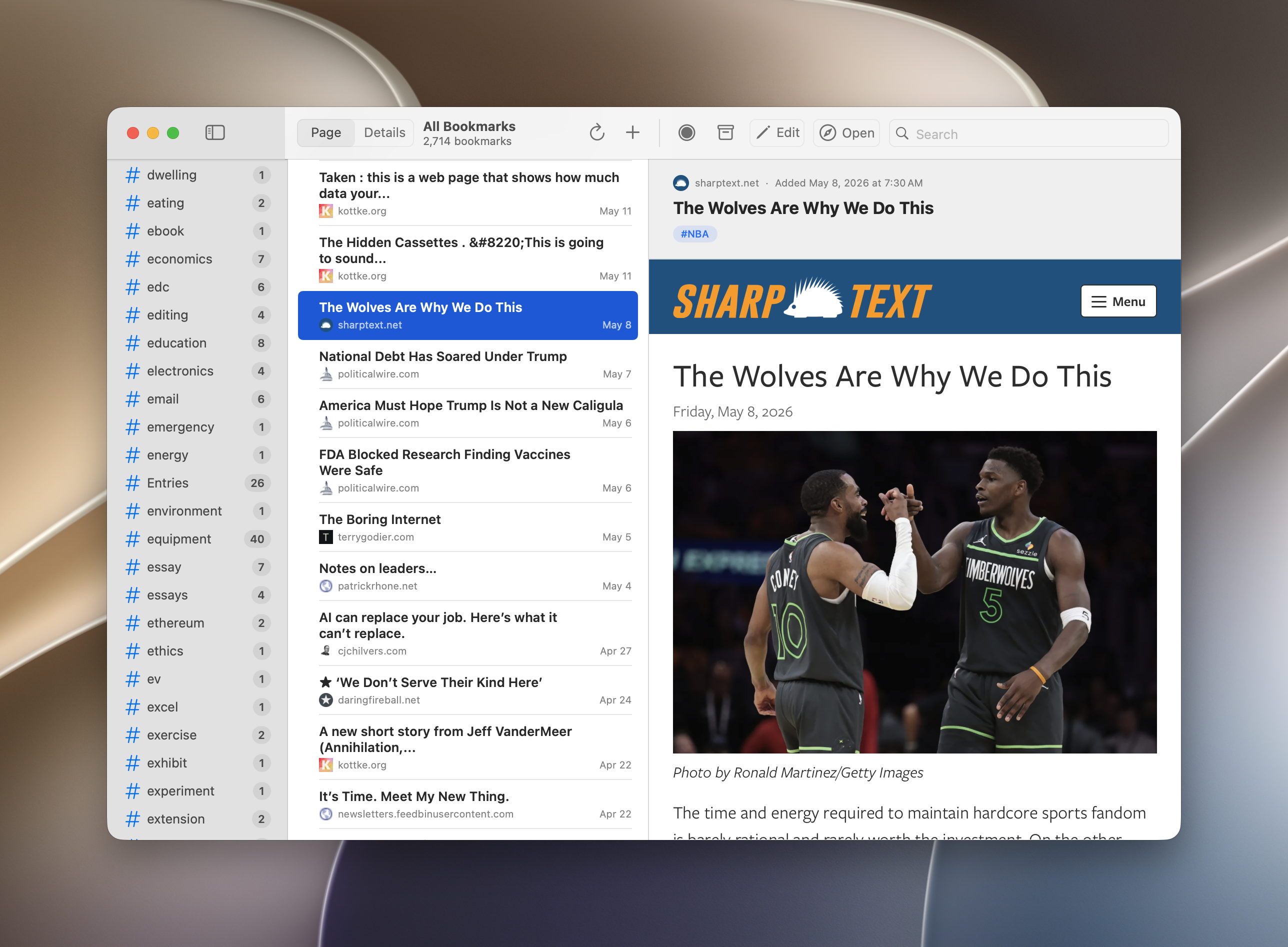
I recently moved all my old Pinboard bookmarks to a self-hosted instance of LinkDing, which has been working flawlessly, and is truly a great setup for bookmarking and archiving. However, I struggled to find a good macOS app that worked with all the mac-assed standards we’re used to, so as we do these days, I got to work on building a simple but effective app, modeled after the design ethos of one of my favorites (NetNewsWire, which incidentally, reflects the user interface guidelines Apple sets out for coherently designed software anyway).
It’s been working great for a few days now, and I’m continuing to QA test it so it’s in good working order. One of the major pains I was having with LinkDing was that you have to manage bookmarks through the web browser interface, all with a lack of macOS integration (share sheets, menu bar, hotkeys). The best solution was to just build something that did this well, checked my boxes, and got out of the way. And so… LinkyDink was born.
It’s been an enjoyable process going through the motions of building something usable that fits my current needs, and as a hobby, I’ll continue to tinker with this so that it’s as close to perfect as it can be. I don’t plan to offer this broadly to anyone else, though I can upload the source code once it’s in version 1.0 shape.
You can read more at the landing page for LinkyDink, including a log of its feature updates, screenshots, and user guide to get a sense of how this works. All straightforward, simple, functional.